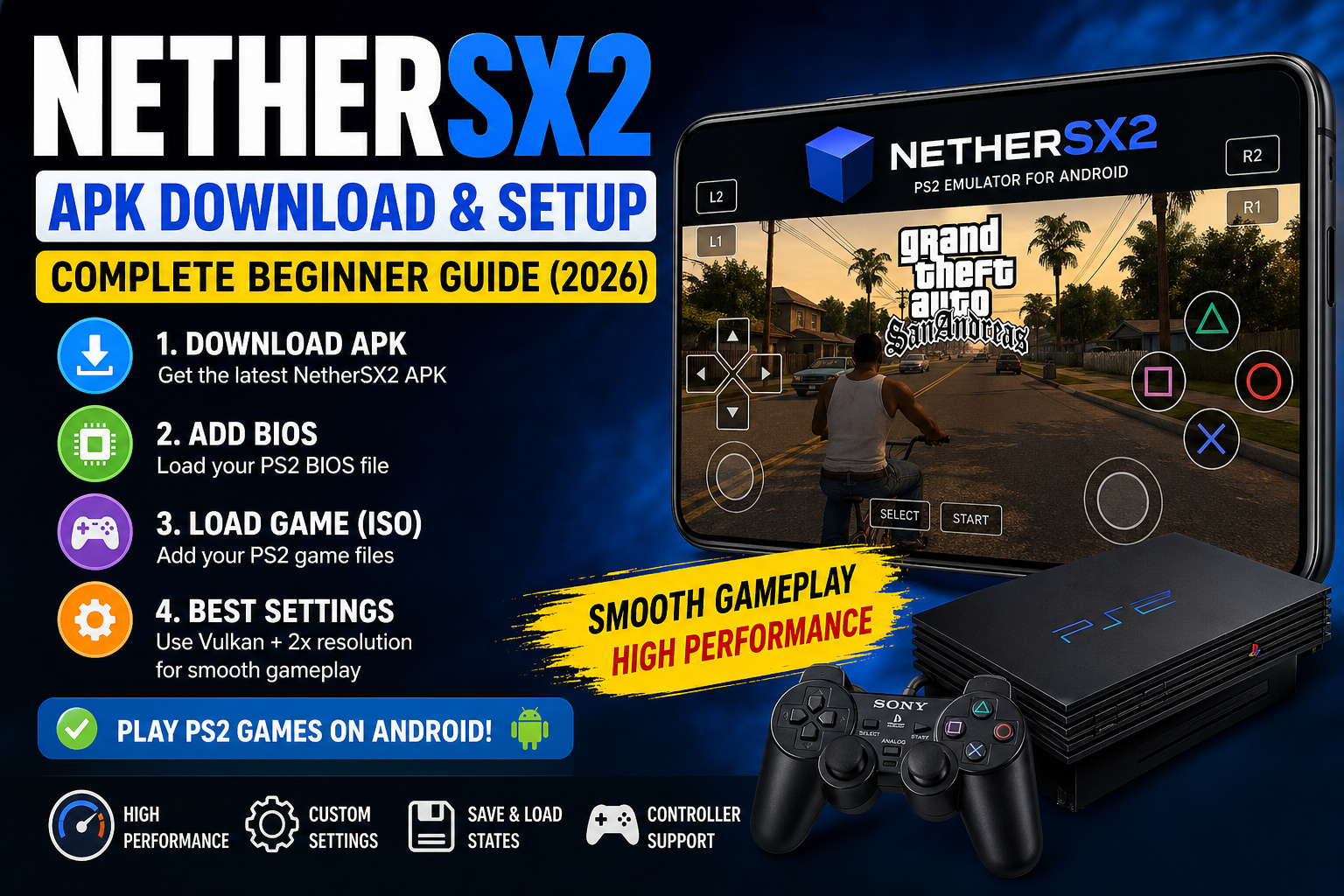
TL;DR (Quick Answer)
Want to download and use the NetherSX2 APK on your Android phone?
👉 Install the latest NetherSX2 APK → add your PS2 BIOS file → load your game (ISO format) → use Vulkan renderer with 2x resolution for smooth gameplay.
💡 Works best on phones with Snapdragon processor and at least 6GB RAM.
👉 If you’re new, follow the step-by-step guide below.
This guide is based on real testing on Android devices and practical setup experience.
If you want to play PlayStation 2 (PS2) games on your Android phone, NetherSX2 is one of the best emulators available right now. In this guide, you’ll learn how to download, install, and set up NetherSX2 apk step-by-step, even if you’re a complete beginner.
Who This Guide Is For
This guide is for:
- Beginners who never used emulators
- Users switching from AetherSX2
- Anyone confused about BIOS, folders, or setup
What is NetherSX2?
NetherSX2 is an Android app that lets you play PlayStation 2 (PS2) games on your phone.
It is based on AetherSX2, but improved and maintained by the community.
👉 In simple words:
Your phone becomes a mini PS2 console.
Also Read: Blooket Bot Guide: How It Works, Risks & Safe Tips
Before You Start (Important)
You need these:
- NetherSX2 APK
- PS2 BIOS file
- PS2 game files (ISO/BIN)
- File manager app
Step 1: Download Required Apps
1. Download NetherSX2 APK
- Search: nethersx2 download
- Download latest version of NetherSX2 APK
2. Install File Manager (IMPORTANT)
👉 Install EX File Manager from Play Store
Why?
- Extract ZIP files
- Manage folders
- Access storage easily
Step 2: Create Proper Folder Structure (CRITICAL)
Open file manager and create this EXACT structure:
└── games
└── ROMs
└── PS2
└── BIOS
👉 This is very important for proper setup
Step 3: Extract BIOS & Game Files
Most files come in ZIP format.
Extract BIOS:
- Go to Downloads
- Long press BIOS ZIP file
- Click Extract
- Copy extracted files
- Paste into:
Extract Game Files:
- Extract game ZIP
- Copy ISO/BIN files
- Paste into:
Step 4: Install NetherSX2 APK
- Open Downloads
- Tap APK file
- Click Install
- Open app
Step 5: First-Time Setup (IMPORTANT)
When opening app:
Choose Settings:
- High-end device → Optimal Safe Defaults
- Low-end device → Fast Unsafe Defaults
Graphics Settings:
- Renderer → Vulkan
- Resolution → Start with 1x or 2x
Step 6: Import BIOS
- Go to:
- Navigate to:
- Select BIOS file
✔ Emulator will activate
Step 7: Add Game Directory
- Click + Add Game Directory
- Select:
- Click Allow
👉 Your games will appear automatically
Step 8: Create Memory Card (IMPORTANT)
Most guides miss this — but it’s required.
- Go to:
- Click Create New Card
- Select:
👉 8MB (recommended) - Name it:
- Select it
✔ Now your game progress will save
Step 9: Controller Setup (Optional but Recommended)
For Touch Controls:
- Enable Dual Analog Pad
For External Controller:
- Connect controller
- Go to:
- Click Auto Mapping
- Select:
👉 DualShock 2
Best Settings for Smooth Gameplay
Use these tested settings:
Graphics
- Renderer → Vulkan
- Resolution → 2x
Performance
- Enable Speed Hacks
- Enable Frame Limiter
👉 Tip:
Don’t increase resolution too much — it causes lag.
Save State (Very Useful Feature)
You can save anytime:
Save:
- Press back button
- Click Save State
Load:
- Click Load State
👉 This loads game instantly from saved point
Bonus: Download Game Cover Art
- Open emulator
- Go to menu
- Click Download Covers
- Use GitHub PS2 cover link
👉 Makes your library look professional
Real Testing & Experience
I tested NetherSX2 on:
- Snapdragon 870
- 8GB RAM
Results:
- GTA San Andreas → Smooth at 2x
- Tekken 5 → Very stable
- God of War → Needs lower settings
👉 Vulkan gave best performance
👉 Background apps affect FPS
Is NetherSX2 Safe?
✔ Safe if downloaded from trusted sources
❌ Risky if APK is modified
Legal Note
- Emulator = Legal
- BIOS & Games = Must be owned legally
Pros and Cons
Pros
- No ads
- High performance
- Custom settings
Cons
- Setup takes time
- Needs BIOS
- Not all games run perfectly
Final Recommendation (Best Settings)
👉 Use this setup:
- Vulkan renderer
- 2x resolution
- Speed hacks ON
✔ Best balance of performance + quality
Final Thoughts
NetherSX2 is one of the best PS2 emulators for Android right now.
Most users fail because:
- Wrong folder setup
- Missing BIOS
- Incorrect settings
👉 Follow this guide step-by-step and it will work.
👉 “I’ll keep updating this guide as new versions and better settings become available.”
Frequently Asked Questions (FAQs)
-
What is NetherSX2 APK?
NetherSX2 APK is an Android app that allows you to play PlayStation 2 (PS2) games on your phone. It is a community-developed emulator based on AetherSX2 that supports ISO game files, custom settings, and save states.
-
Is NetherSX2 safe to download?
Yes, NetherSX2 is safe if you download it from a trusted source like GitHub or official developer pages. Avoid unknown websites because modified APK files may contain malware.
-
How to add saves in NetherSX2?
To add save files:
- Copy your save file to the memcards folder
- Open NetherSX2
- Start your game
- Load the save from memory card
Make sure the save file format is compatible.
-
How to update NetherSX2 on Android?
To update NetherSX2:
- Download the latest APK version
- Install it again (no uninstall required)
- Open the app
Your data usually stays safe, but it’s recommended to backup your files.
-
Is NetherSX2 better than AetherSX2?
Yes, NetherSX2 is considered better because:
- It is still updated
- No ads
- Improved compatibility
AetherSX2 development has stopped, while NetherSX2 continues with community support.
-
Can NetherSX2 run all PS2 games?
No, NetherSX2 supports most PS2 games, but:
- Some heavy games may lag
- Performance depends on your device
High-end phones run more games smoothly.
-
What are the best settings for NetherSX2?
Best settings for smooth performance:
- Renderer: Vulkan
- Resolution: 2x
- Enable speed hacks
These settings provide the best balance between graphics and performance.
-
Why is NetherSX2 not on the Play Store?
NetherSX2 is not available on the Play Store because:
- It is a modified emulator
- It involves BIOS and game file usage
So it must be installed manually as an APK.
-
Which version should I download NetherSX2 APK (3668 or latest)?
- Version 3668 → Better for low-end devices
- Latest version → Better for modern phones
Choose based on your device performance.
-
What file formats does NetherSX2 apk support?
NetherSX2 supports:
- ISO
- BIN
- CHD
ISO format is the most commonly used.